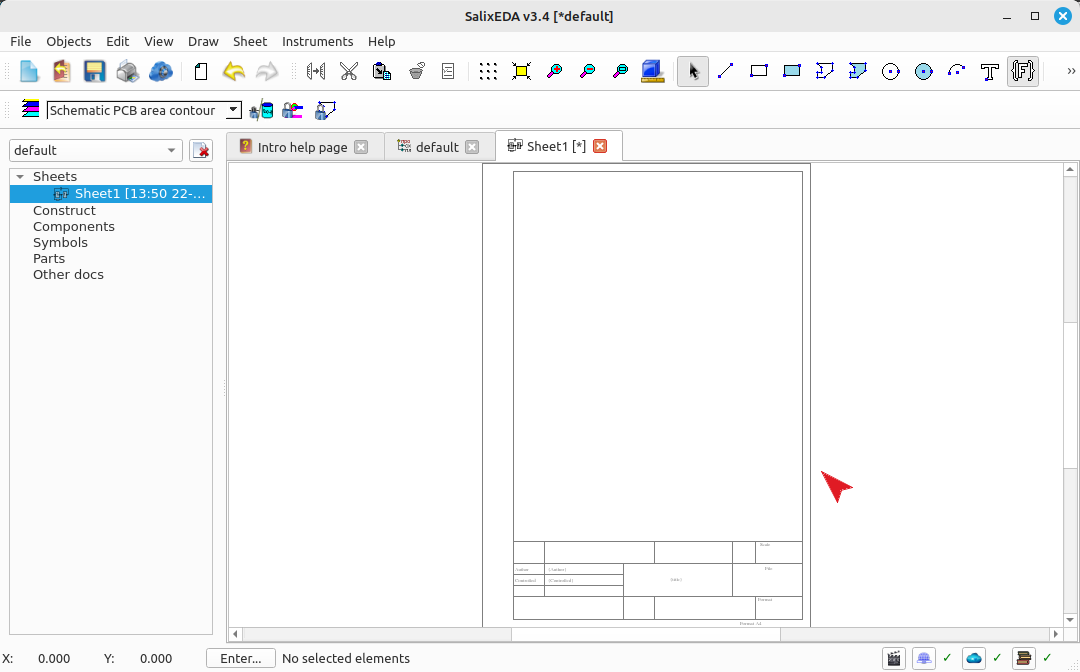
Creating a new project and schematic within it
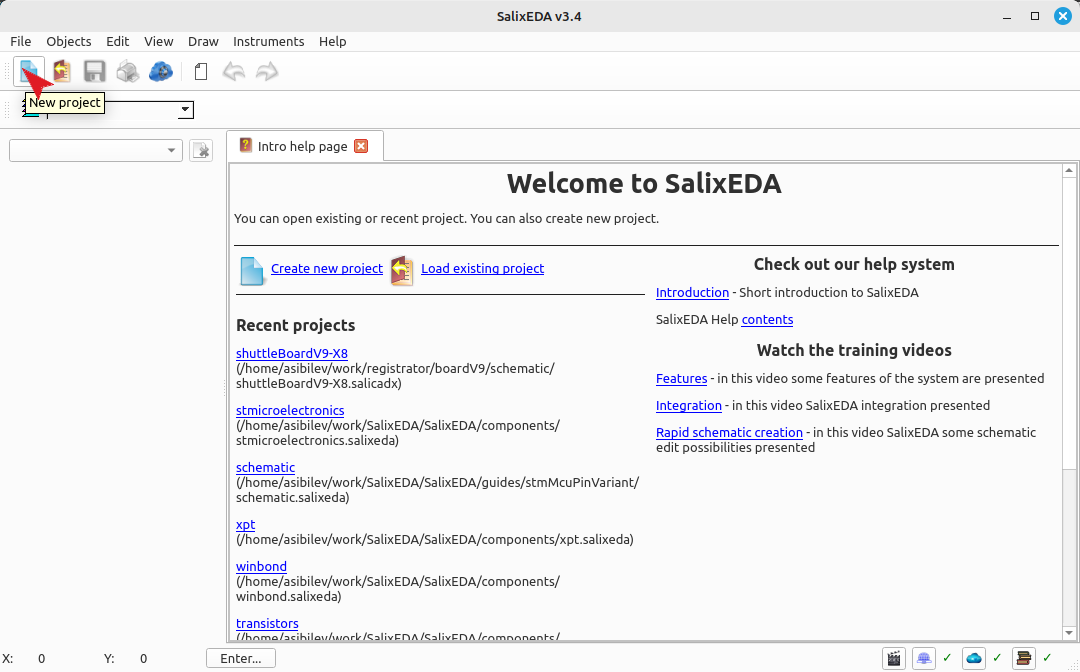
Create a new project
Click on the button shown in the figure.
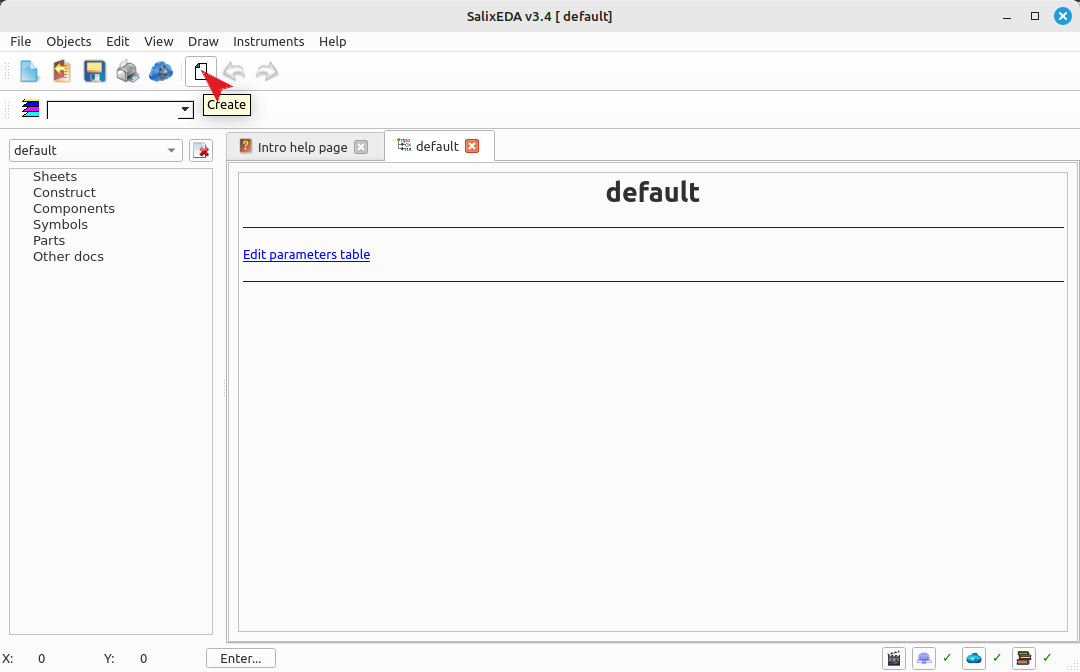
Create a new schematic sheet
To create a new schematic sheet, click on this button.
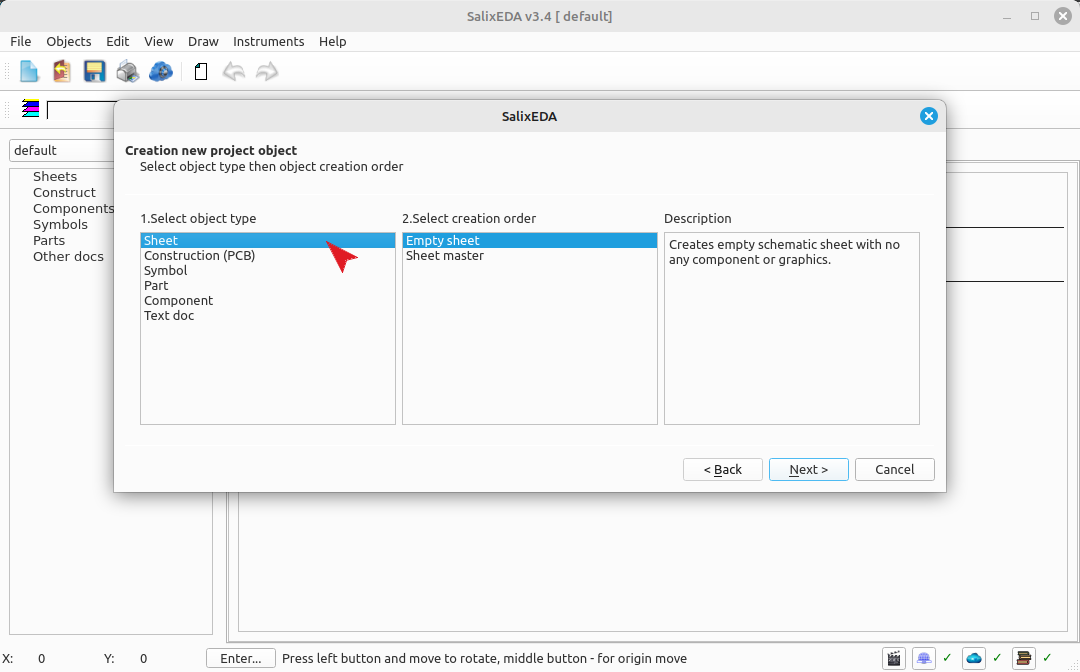
Select the type of object to be created
A dialog box for creating a new project object will appear. In the object type list of this dialog, select "Schematic".
Select the method for creating the schematic
In the object creation method, select "Schematic Wizard".
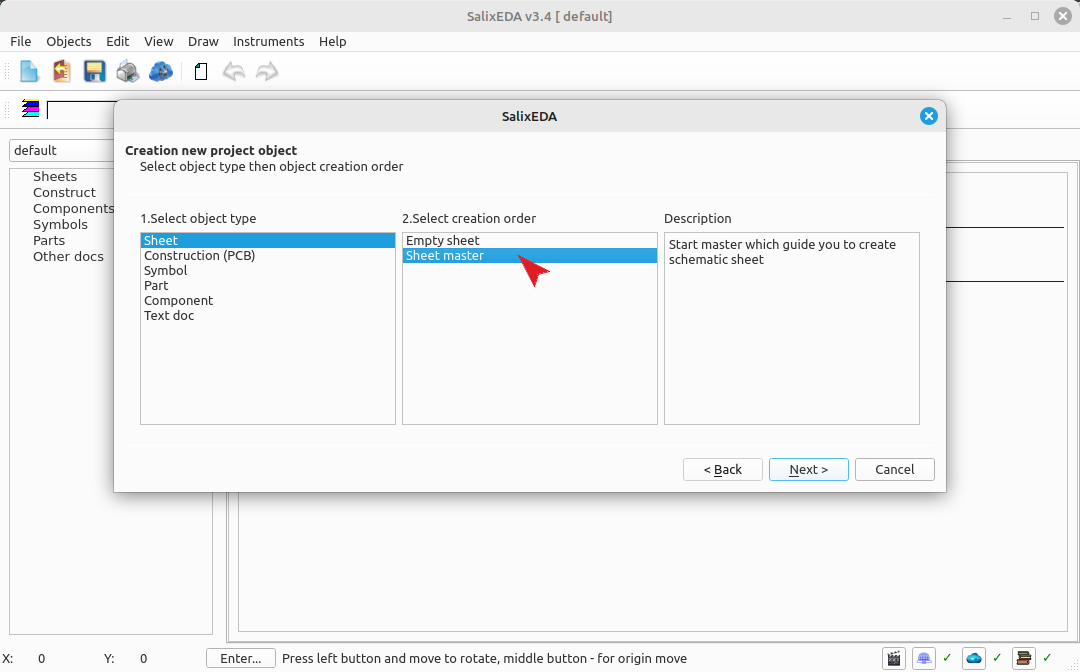
Click Next to proceed to the schematic wizard selection.
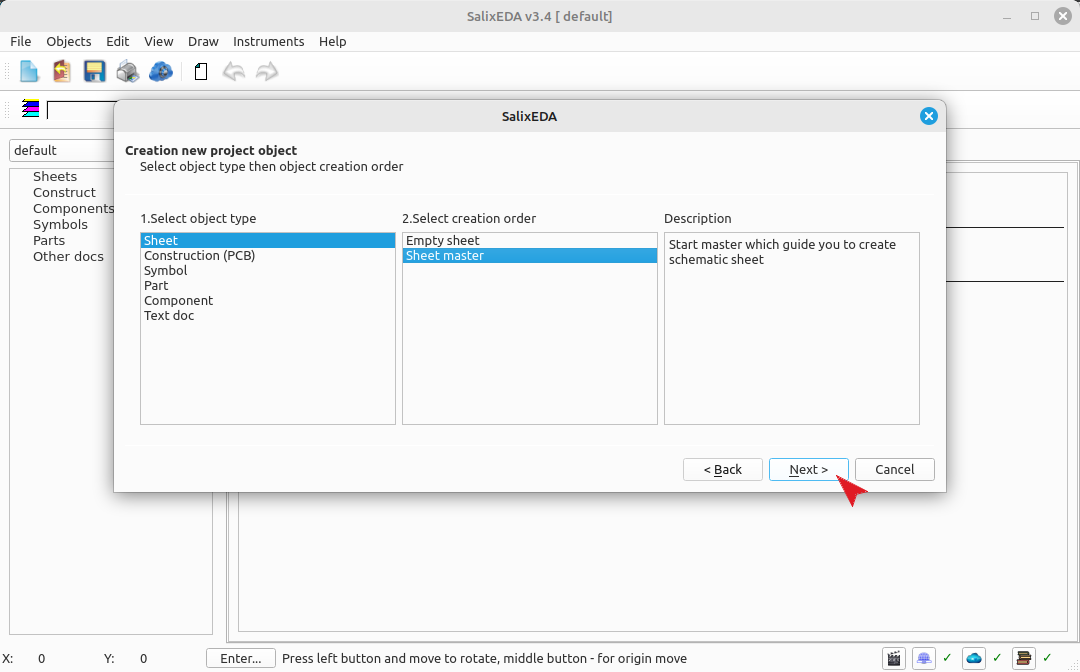
Select the schematic creation wizard
A dialog for selecting the schematic creation wizard will appear. In it, select the "Schematic Formatting" wizard.
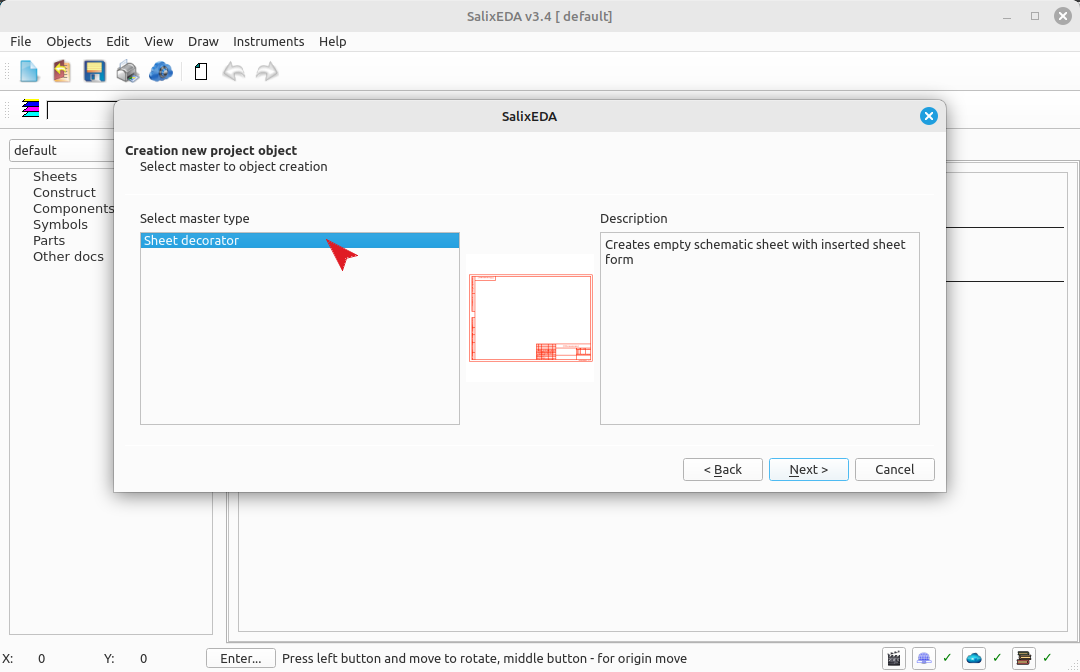
Click Next to proceed to the formatting selection.
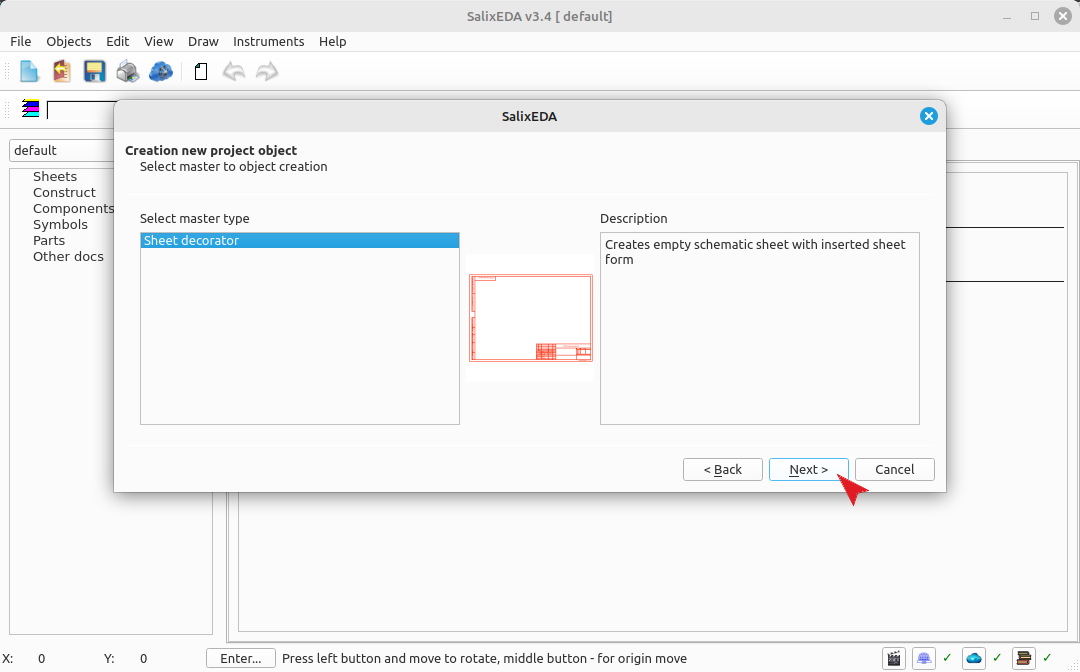
Select the schematic formatting collection
A list of formatting collections available in the library will appear. In the list of found formatting collections, select "form iso".
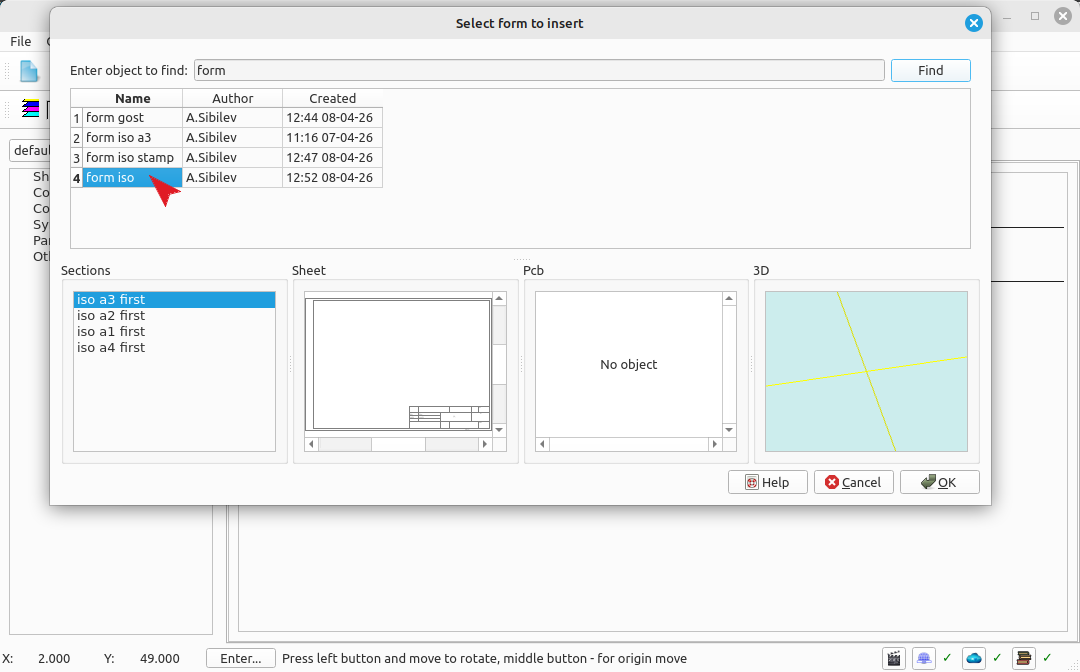
Select the schematic formatting option
In the sections list, select the "iso a4" option as the formatting basis.
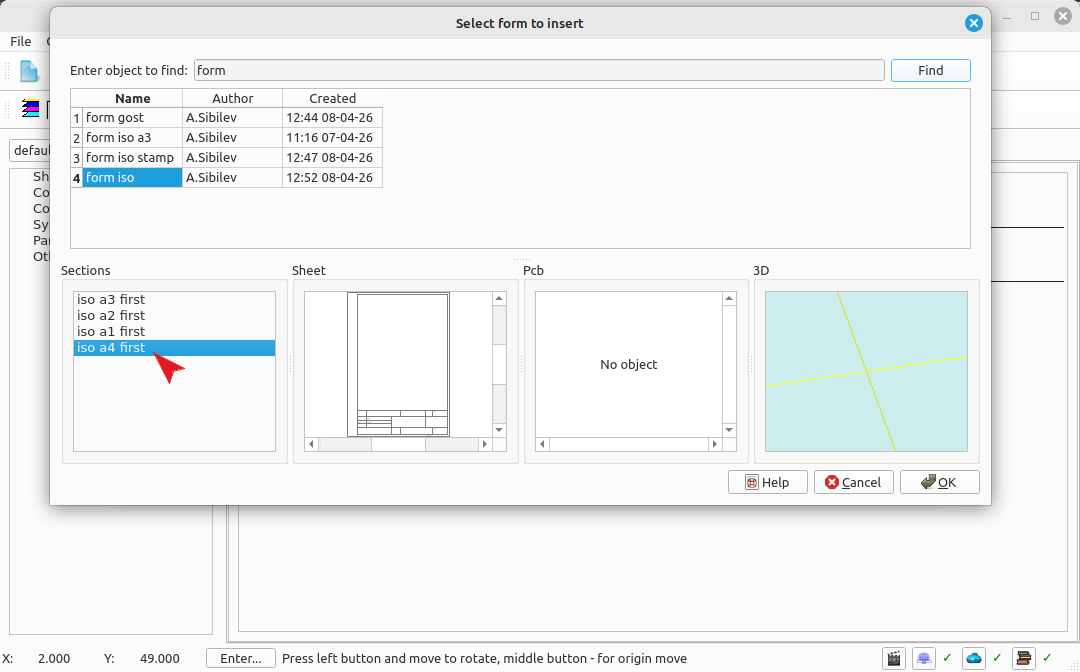
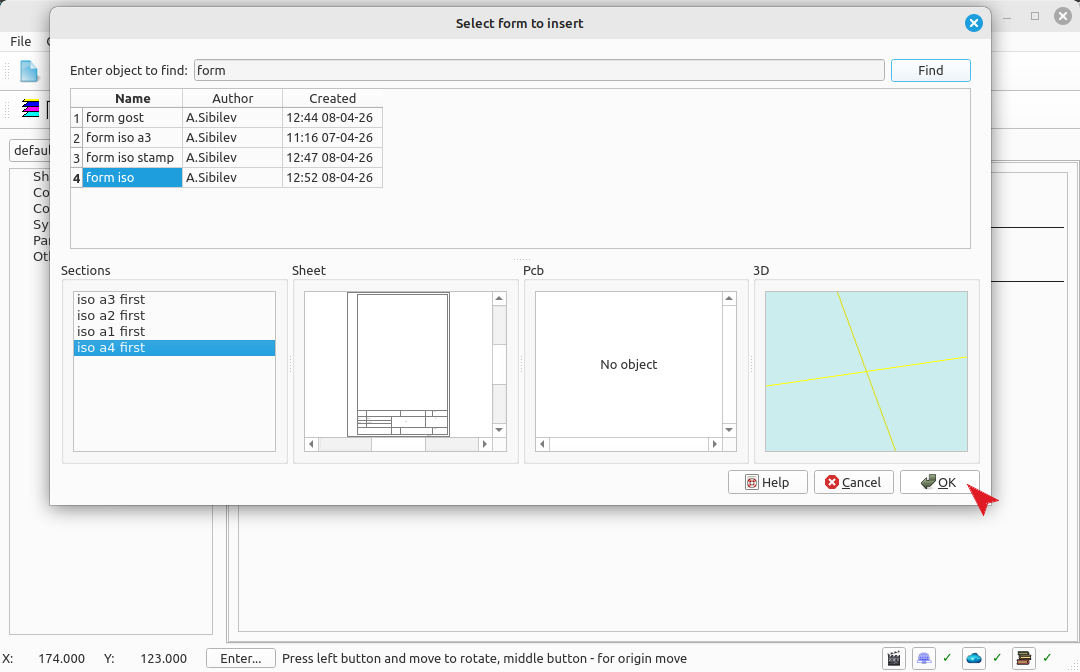
Click OK to insert the formatting into the schematic.
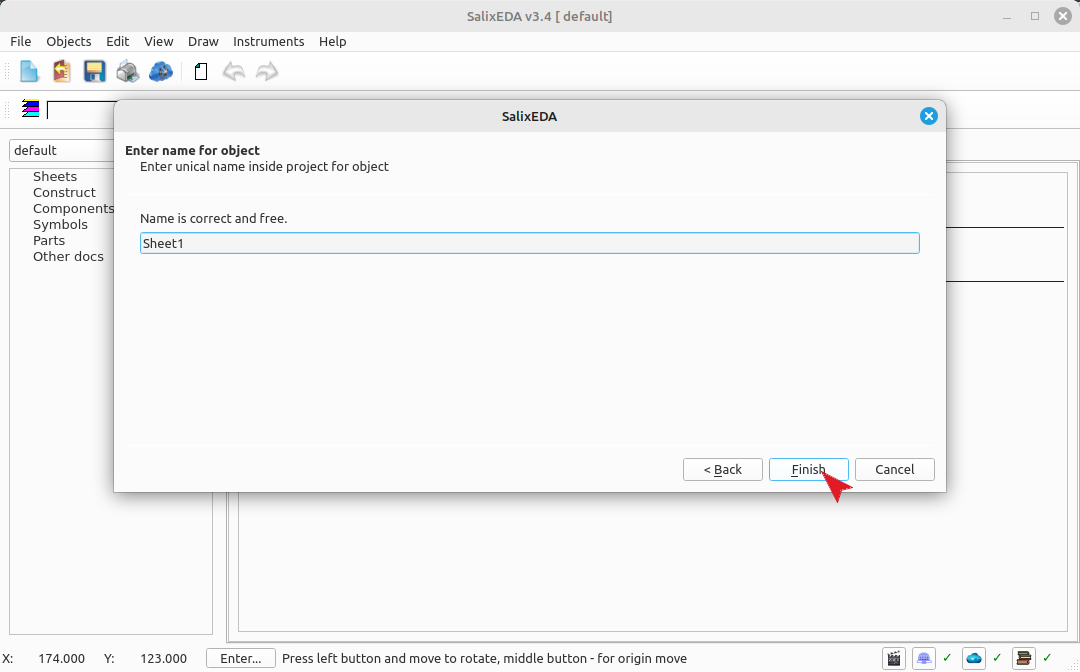
Enter the schematic name
A window for entering the schematic name will appear. Leave the default name or enter your own. To create the schematic, click the "Finish" button.
Result
The resulting project with the schematic sheet